
I built JetInspect to work offline because it has to work in every condition. Places with no cell signal aren’t only in remote parts of the country. They’re pockets in ordinary neighborhoods that, for whatever reason, never get good service. As a home inspector, you go somewhere different every day, and any day can take you into one of them. Your inspection software has to keep writing the report there, and you have to be able to rely on it.
Everything you capture is saved on the phone first
So I built it to save everything on the phone first. Every photo, video and comment is stored on the phone the moment you take it, and the report is written there too. When you’re back in range, JetInspect backs it all up to your own Google Drive on its own. Nothing you do on site waits for a signal.
Your comment search works in the crawlspace
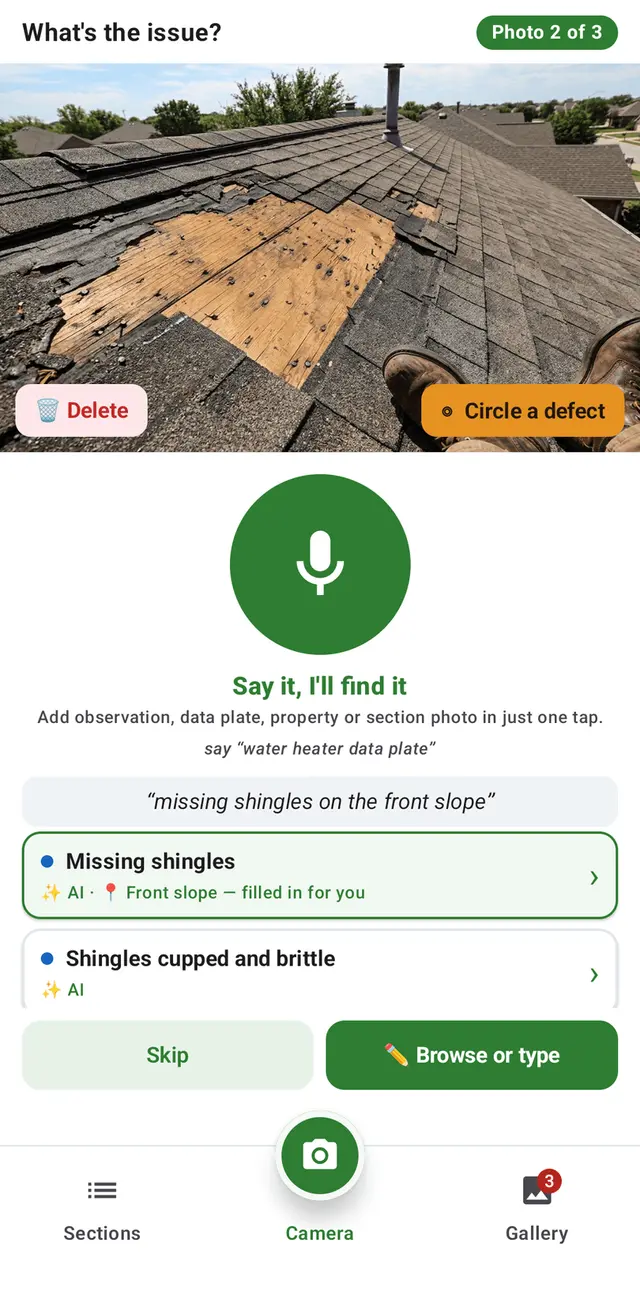
The search had to work in the same places. Your comment library is kept on the phone, and so is the AI that searches it, so typing or saying a few words finds the right comment with no bars at all. JetInspect then inserts the photo and the comment into the right section of the report.
The data plate reader works without a signal too
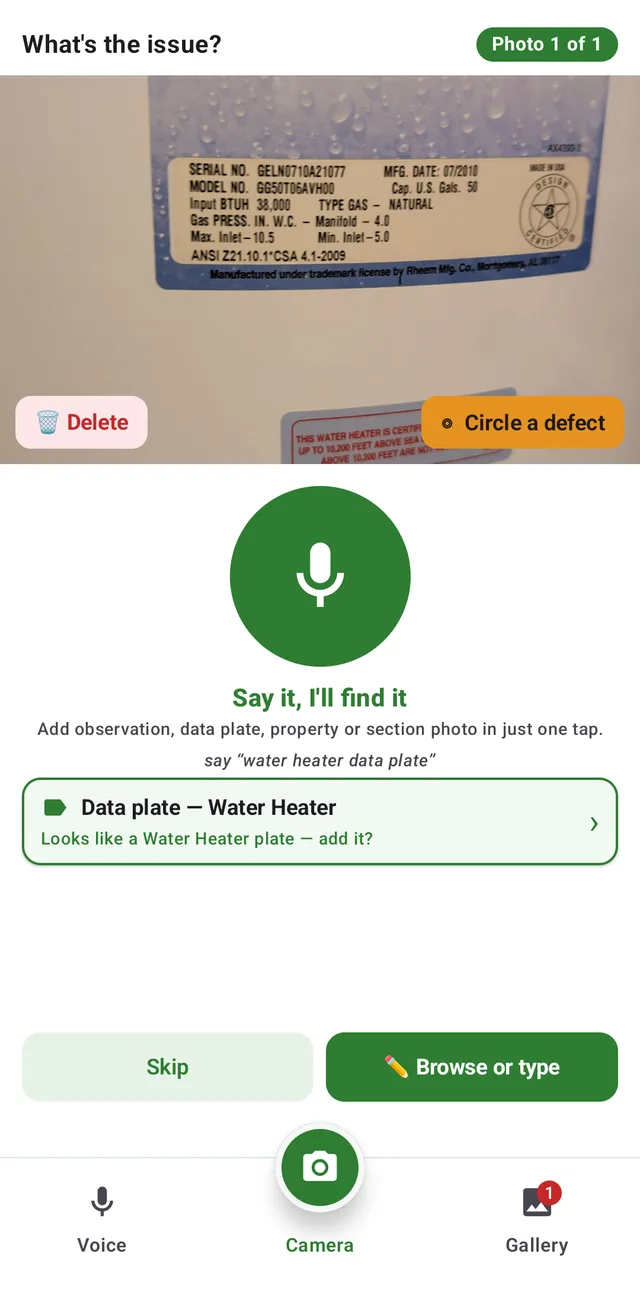
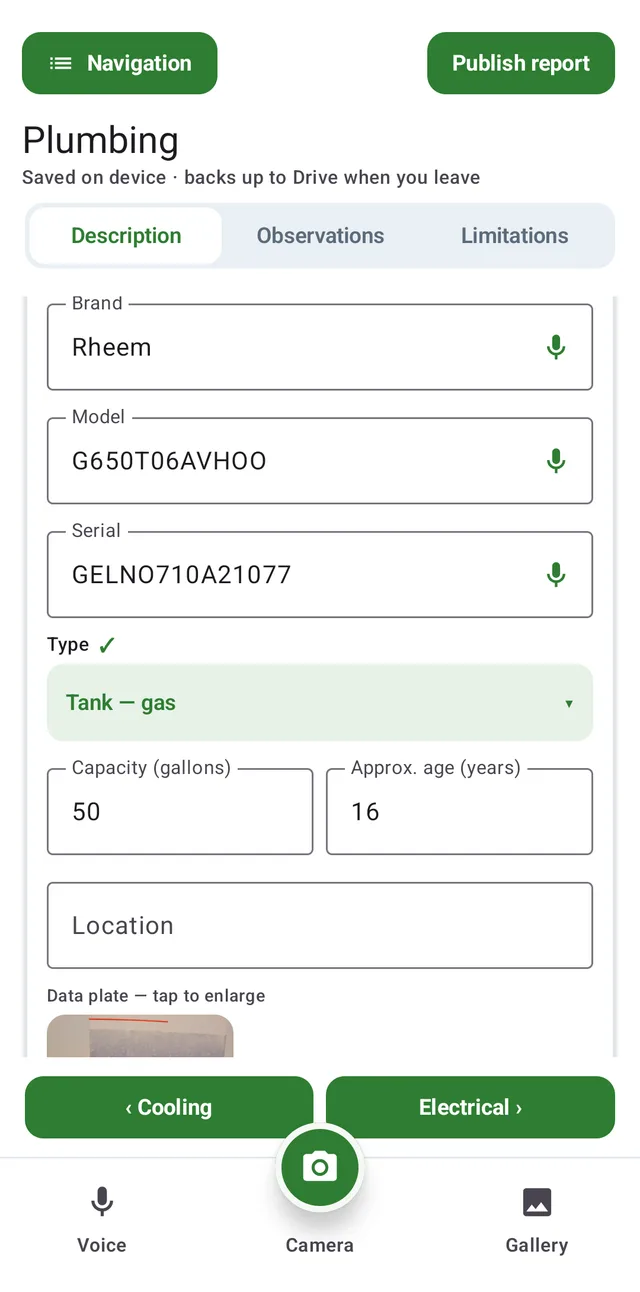
Reading a data plate happens on the phone as well. Take the photo and JetInspect reads the brand, model and serial into the fields, and for many brands the manufacturing date built into the serial, with no connection.
What needs a signal, and what happens when you get one
Publishing the report and sending it to the client need a connection. If you tap Publish with no signal, JetInspect tells you your work is saved on the phone, and you publish when you’re back in range. The only other time you need a signal is when you first set up your account. After that, JetInspect works anywhere.
Try it yourself. Put your phone in airplane mode, open a report and say a comment out loud. JetInspect turns your words into text, and its AI search finds the matching comment in your library, all on the phone. That’s the part that most needs to be reliable, and it doesn’t need a signal.
Voice uses your phone’s own speech recognition. On some phones, voice works without a signal only after offline speech has been downloaded in the phone’s settings.