
Deleting your account
How to close your JetInspect account, what is deleted, what stays in your Google Drive, and cancelling Google Play first.
Before you delete
- 1Cancel your subscription. Deleting your account does not stop the billing, and only Google Play can. See Your subscription and free trial.
- 2Let the reports you still need finish backing up to Google Drive. On the phone, anything not yet backed up is lost when the account is deleted.
Delete your account
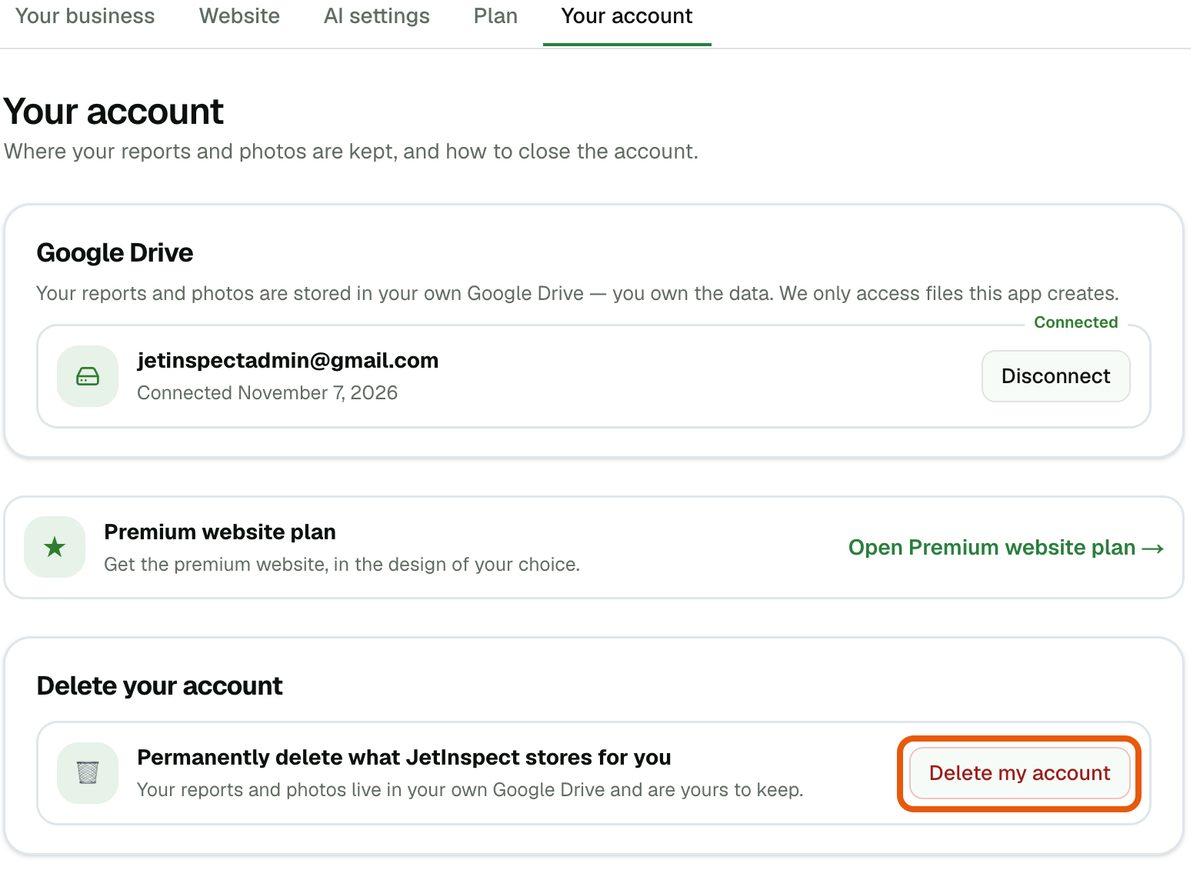
- 1Open Settings > Your account. Under Delete your account, click Delete my account.
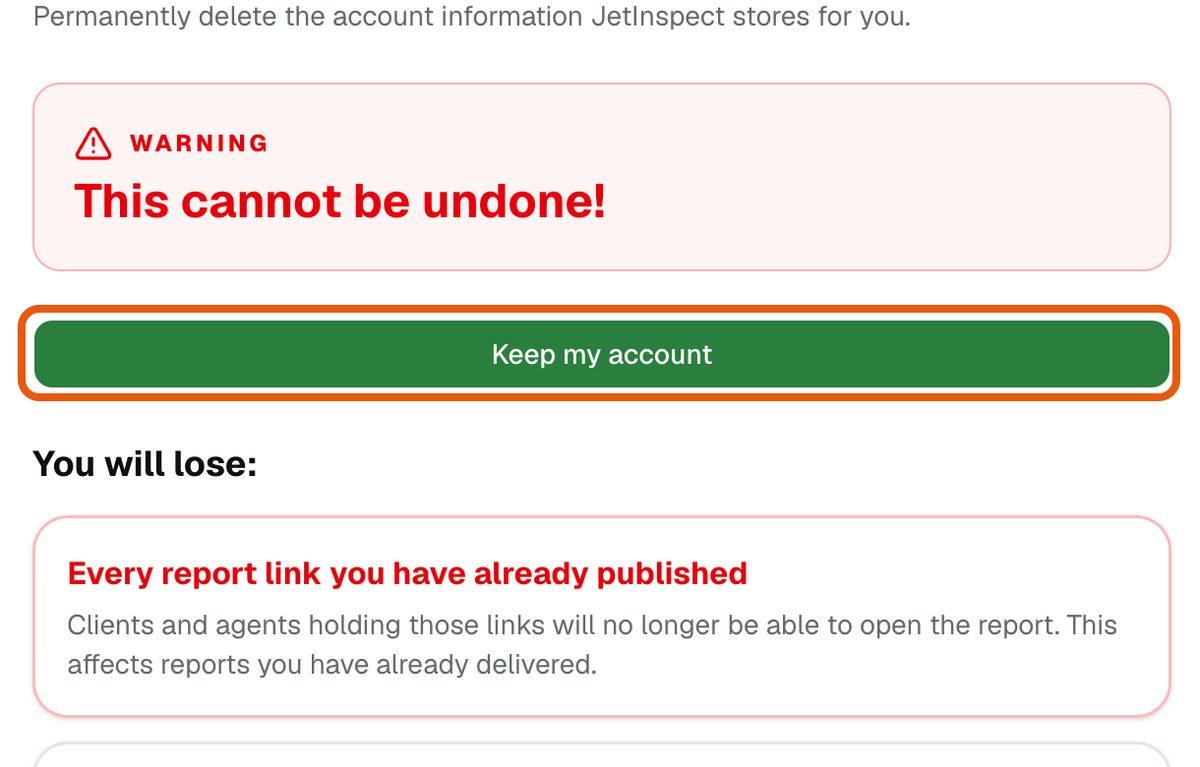
- 2Read the page. You will lose lists what goes and You will keep lists what stays. Nothing has happened yet. Keep my account takes you back.
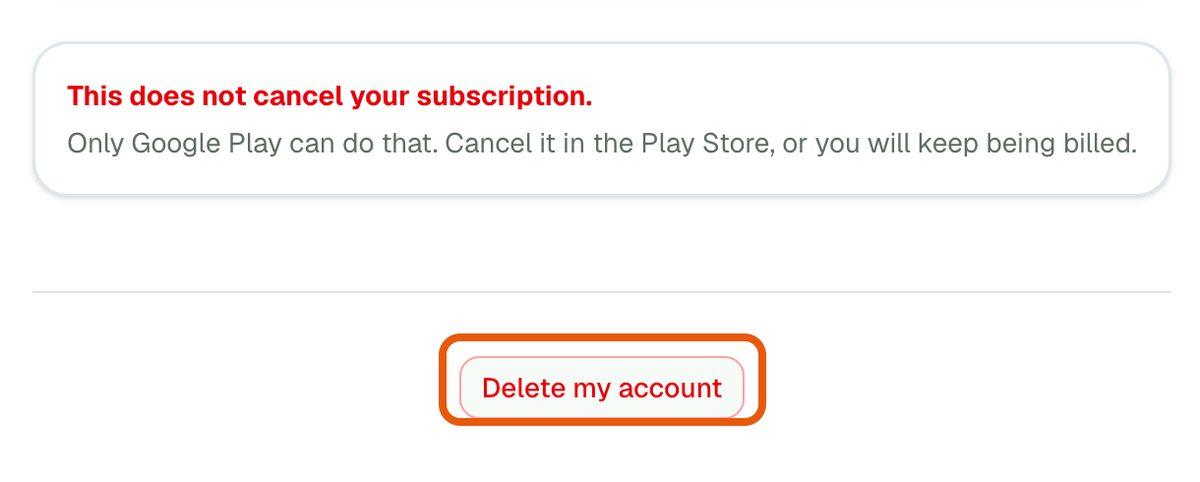
- 3At the bottom, click Delete my account, then Yes, delete it. You are signed out and sent to the JetInspect home page.
If something goes wrong, you'll see a message and nothing is deleted. Trying again is safe. If one step can't finish, JetInspect says Your account is being deleted and completes it within a day.
What goes and what stays
Deleted: your saved wording (your own observations), your company profile (name, logo, license and contact details), the links to your published reports, your contacts, and your Google Drive connection. On the phone, everything stored on the phone goes too.
Kept: every report and photo in your Google Drive, which stays yours to keep or delete there. Billing records stay with Google Play, and a Stripe account for card payments stays with Stripe. A report a client already downloaded stays with them. The full list is on the Delete your account and data page, which also explains how to ask for deletion by email if you can't sign in.
Phone and web share one account, so deleting on either one deletes it everywhere.
If you work for an inspection company
Leaving a company is not the same as deleting your account. The company's reports belong to the company, so deleting your account never removes them or their published links. It only ends your seat and clears your own license and contact details. There is no subscription of your own to cancel, because the company pays for your seat.
On the phone, a company inspector can't delete from Settings directly. The last row, Delete your account, says to leave your company first, and the Leave this company row sits just above it. Leave first, then delete if you still want to. On the web, you can delete directly, and the page lists your place at the company under what you lose. The company's owner manages the team; see Running a multi-inspector company.