Starting an inspection
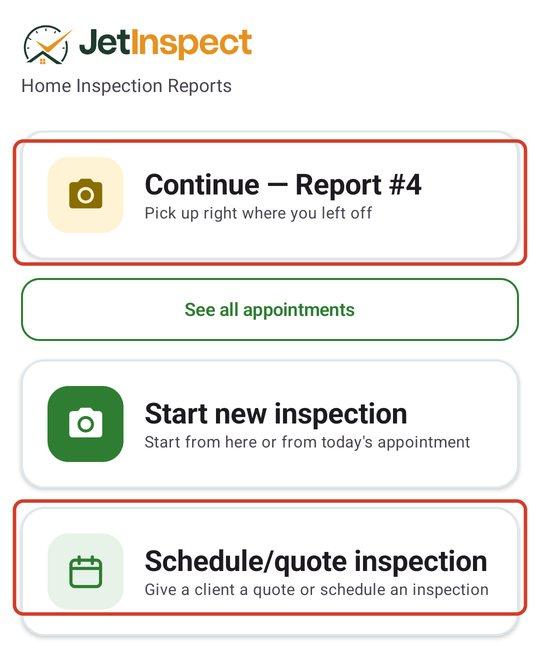
Pick today's scheduled inspection or start one unscheduled, choose what you are inspecting, and pick up where you left off.
Start a new inspection
- 1On the Dashboard, click Start new inspection. It is also on Reports, as Start a new inspection.

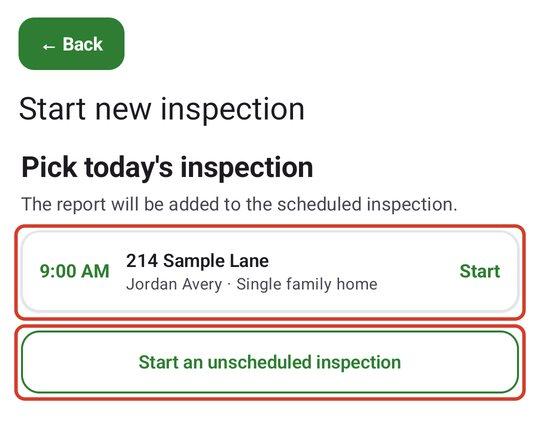
- 2Under Pick today's inspection, click the inspection you are starting. Its client, agent and address carry over. For an inspection that is not on the schedule, click Start an unscheduled inspection.
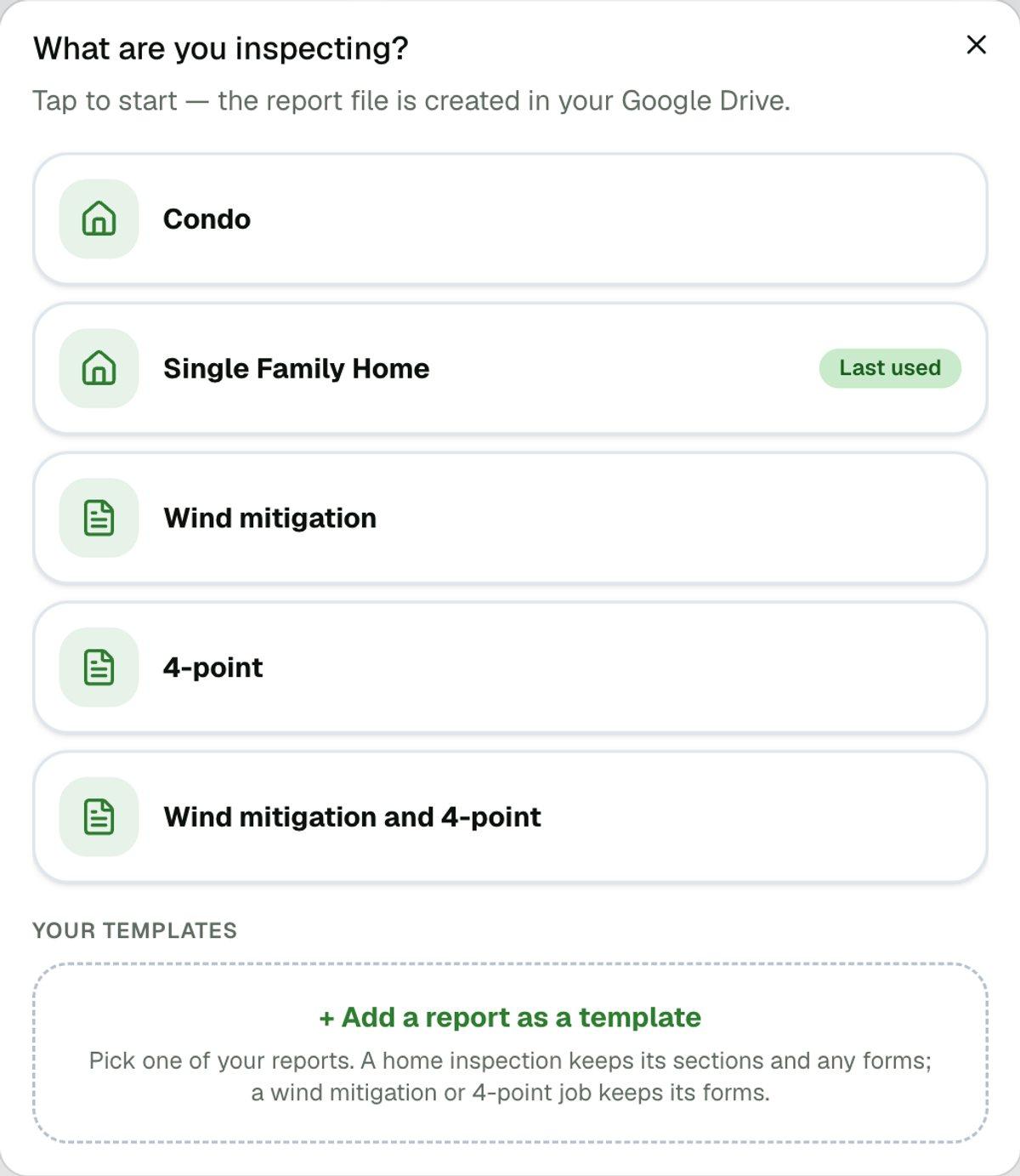
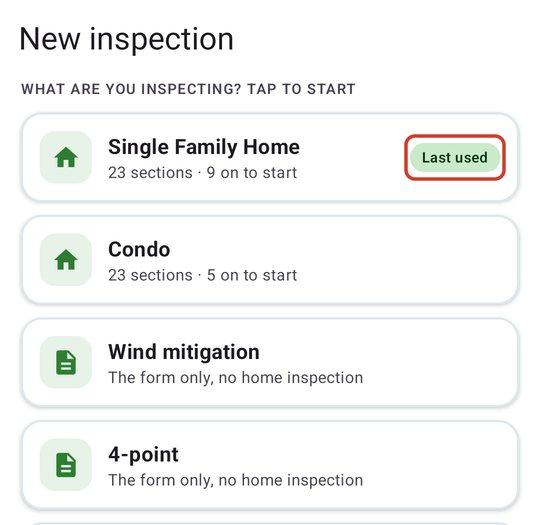
- 3Under What are you inspecting?, click what you are inspecting. The new report opens.
Choose what you are inspecting
The list holds the built-in home inspection templates, the built-in wind mitigation and 4-point forms, and any templates you saved. The one you used last is marked Last used. Tap a template and the report is created. If you scheduled a wind mitigation or 4-point inspection, JetInspect starts it for you with no choice to make.
To save your own starting point from a finished report, tap + Add a report as a template under Your templates. More on how templates and sections work is in Templates and optional sections.
Scheduling an inspection ahead of time is what puts it on the list. See Scheduling an inspection or sending a quote.
Pick up where you left off
- 1On the Dashboard, open the report under Reports in progress. Every report is also under Reports.