
What your client and agent see
The email, the report in its design on a computer or a phone, the PDF and the repair request.
The email
Your client receives “Your inspection report” with the property address, and the buyer's agent receives “Inspection report” with an Open the report button. Both carry your business details, and a reply comes to your email address.
The report
The report opens in the browser, on a computer or a phone, with your business name, logo and license at the top, the summary first, then each section with its observations and photos. It comes in the design you chose. This is the Narrative design:
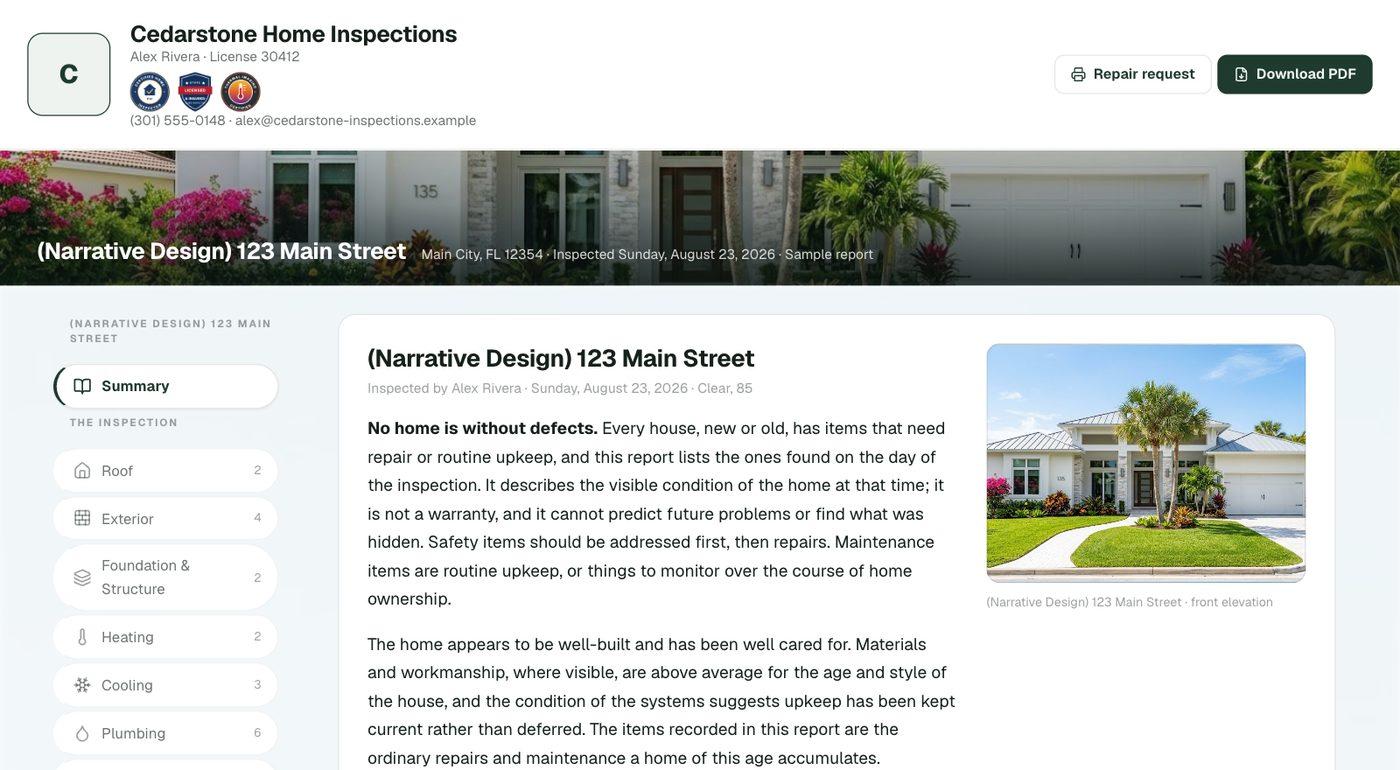
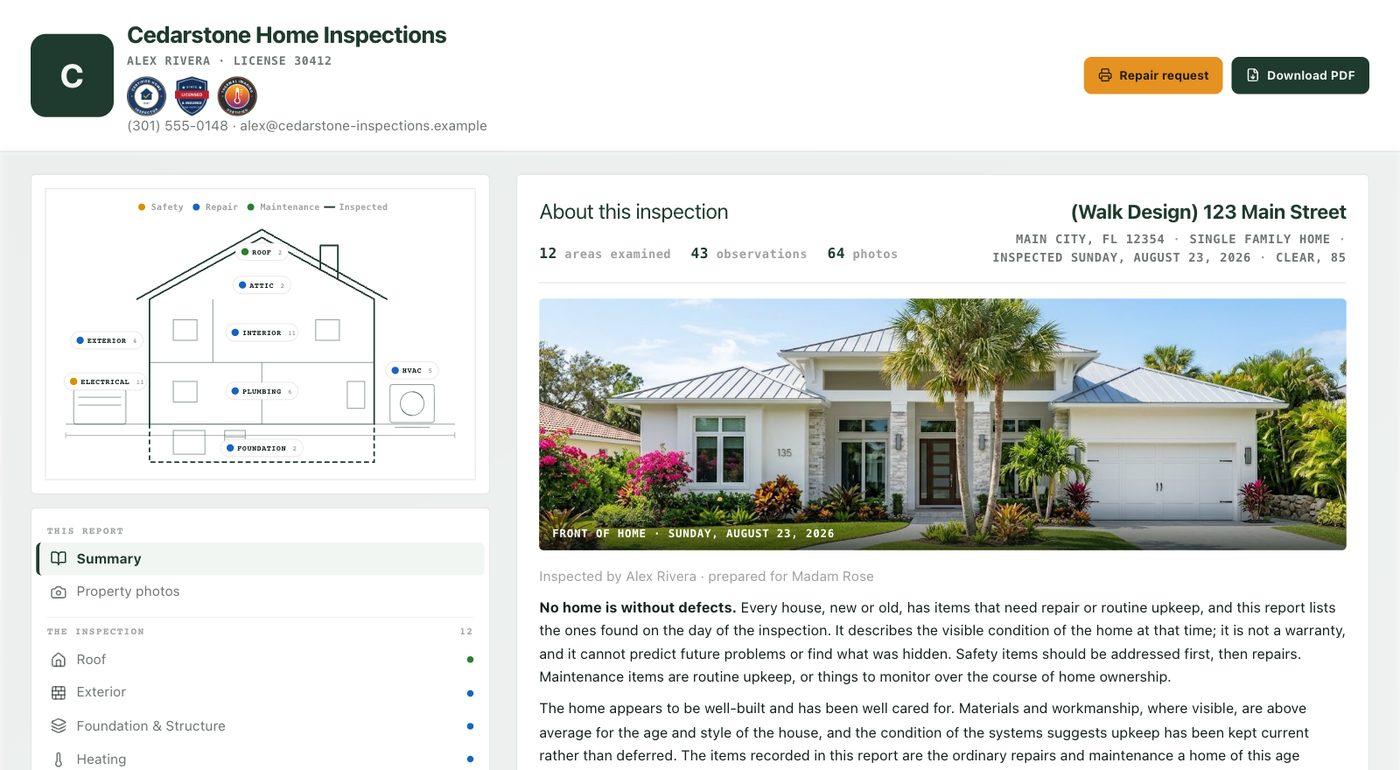
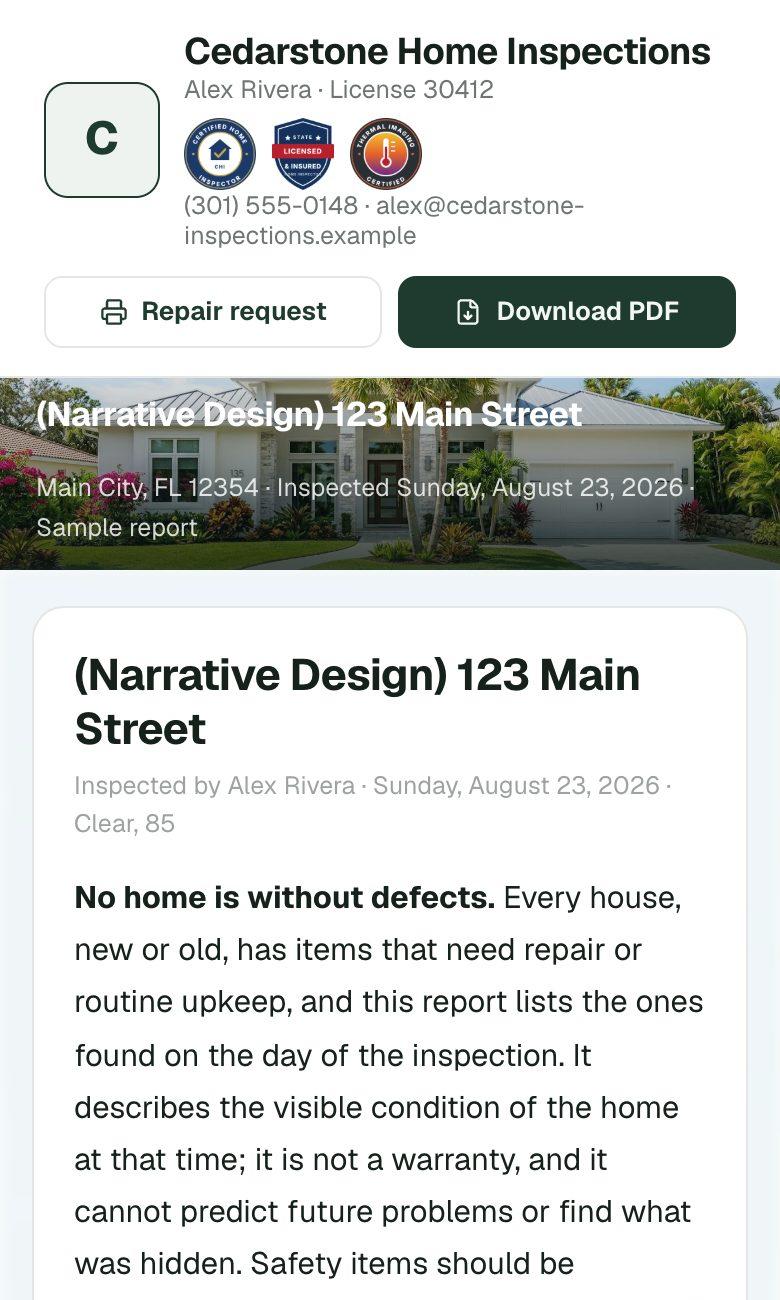
Open the sample report to see it the way your client does.
The PDF and the repair request
At the top of the report, Download PDF gives your client and agent the report as a PDF. Repair request lets either of them pick the items to ask the seller about, add costs or fill in estimates, and print the request.